Agent and brokerage introductions
Use the chest-up portrait as your main profile image and the waist-up interior portrait on your personal website or about page.
YOUR NEXT CHAPTER
Create a consistent set for your agent profile, personal website and marketing materials. Pair polished business clothing with a natural smile and a bright interior setting.
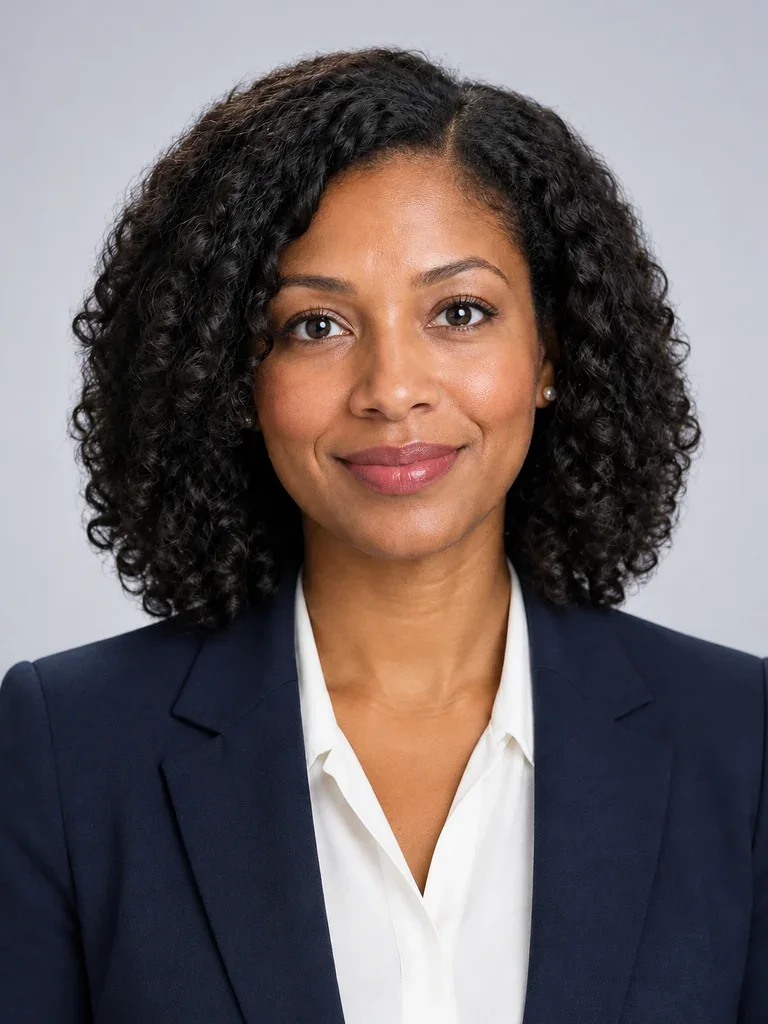
These AI-generated examples show a fictional person wearing the same outfit throughout the set. Props are optional and off by default. Choose the clothing, background and props for your own set.
Your new headshot will appear here
AI-generated headshot example
Check your browser's downloads if the image does not open.
Choose the photos you want to unlock. You can buy ready photos even if others failed.
Select at least one photo to continue.
Use the chest-up portrait as your main profile image and the waist-up interior portrait on your personal website or about page.
The close square avatar keeps your face clear on small screens and in circular profile pictures.
The relaxed standing portrait is framed below the waist to upper thighs, with space beside you for text in marketing materials or speaker introductions.
Start with a fitted navy blazer, a light open-collar shirt or blouse and soft, bright lighting. Choose a different business outfit or keep your original clothing to reflect your own style. All four photos use the same selected outfit. The media portrait starts with one hand relaxed in a suitable suit pocket. If your outfit has no suitable pocket, hands rest gently together low in front of your waist. A tablet is optional for the wider portraits.
Use one recent, front-facing photo with your full head and shoulders visible. Avoid filters and covered eyes.
Review the format, background and clothing. Your photo is sent for AI processing only when you press Generate.
Check the result against your original, confirm it looks like you, and download the JPG.
Read guide: Professional headshot guide
The close square avatar keeps your face clear at small sizes and within a circular crop. Check your brokerage or listing platform's image dimensions before uploading.
Props are off by default. You can add a tablet to photos 3 and 4. The website portrait and square avatar have no handheld props, and keys are not part of this preset.
The waist-up portrait uses a generic AI-generated residential interior. Use authentic property photos when presenting a specific listing.
The AI is instructed to preserve your facial features, age, skin tone and hair. It can still make mistakes. Compare every result with your original; identity matching is not automatically verified.
The JPG contains the headshot only, without a name, job title, border or watermark. Both formats use sRGB-compatible JPEG export.